
MODULE 16 · STAKEHOLDER VISIBILITY
Give clients current project insight without exposing the whole working environment.
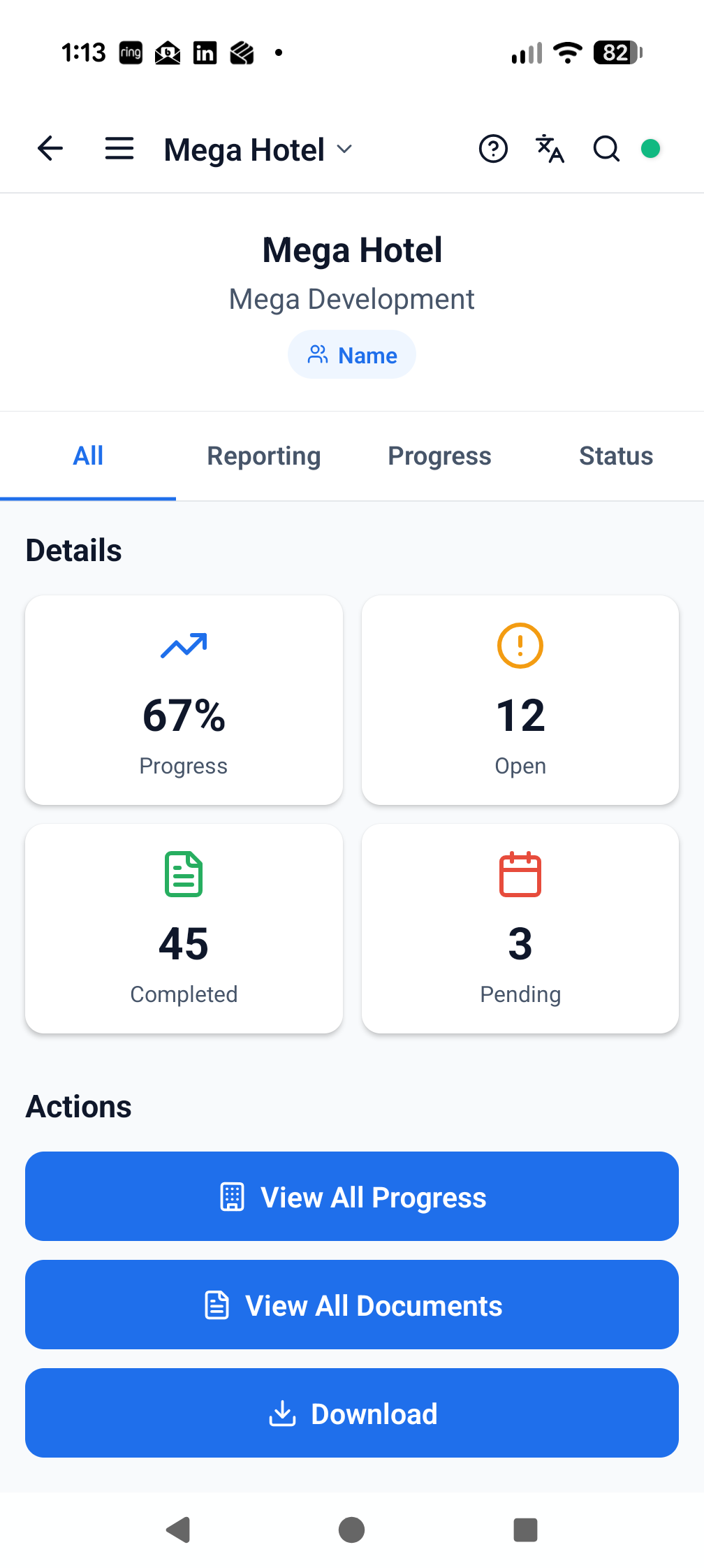
Give authorised clients a focused view of the project information and reports relevant to them.
PROJECT BENEFITImprove transparency while reducing the effort required to prepare separate client update packs.
FEATURES AND BENEFITS
What Client Portal adds to the project.
The module is connected to the same live project structure, participants and evidence trail as the rest of ProTrac CMS.
WHAT TEAMS CAN DO
Provide an access-controlled view for authorised client participants.
Present relevant progress, reports, issues and project evidence.
Use current ProTrac CMS records rather than separately recreated information.
Support the project's wider governance and client communication processes.
WHY IT MATTERS
Reduce the gap between field progress and client understanding.
Improve confidence through current, evidence-backed information.
Reduce repeated preparation of disconnected update packs.
Control which information each stakeholder is authorised to see.
CONNECTED WORKFLOWS
Client Portal does not sit in isolation.
Move directly to the related modules that use, create or act on the same project information.
Project intelligenceReporting
Give management and clients decision-ready information without waiting for manual collation.
Explore module →Delivery visibilityProgressReplace delayed progress consolidation with a live, location-based view of delivery.
Explore module →Project informationDocumentsReduce time spent searching and lower the risk of work proceeding from disconnected information.
Explore module →See Client Portal working on your project.
Start with the complete, fully working seven-day version of ProTrac CMS.